


Melery Matter over WiFi Smart Light Wall Switch Touch Sensor Glass Panel Remoted Google/Apple Home Siri Alexa Homekit Smarttings
14:771#1 Gang EU White
- Free worldwide shipping
- In Stock & Ready to Ship
30 Day Returns
- In stock, ready to ship

SPECIFICATIONS
Brand Name: Melery
Certification: RoHS,FCC,CE,ce,FCC,ROHS
Current: 10A
EANCode: *
EU LVD Voltage: High voltage: Above 50Vac or 75Vdc
Features: MFI Certified Light Switch
High-concerned chemical: None
Is Smart Device: Yes
Item Type: SWITCHES
Material: Plastic
Model Number: HLS001
Origin: Mainland China
Switch Type: APP Control
Warranty: 2 Years
Apple Homekit Smart Light Wall Switch WiFi Touch Sensor Glass Panel Remoted Control by Google/Apple Home Siri Alexa Homekit Smarttings Interruptor HUB GATEWAY REQUIRED.
Specification:
Type: 1/2/3 Gang Touch Wi-Fi Switch
APP: Apple Homekit
Wi-Fi: 2.4G
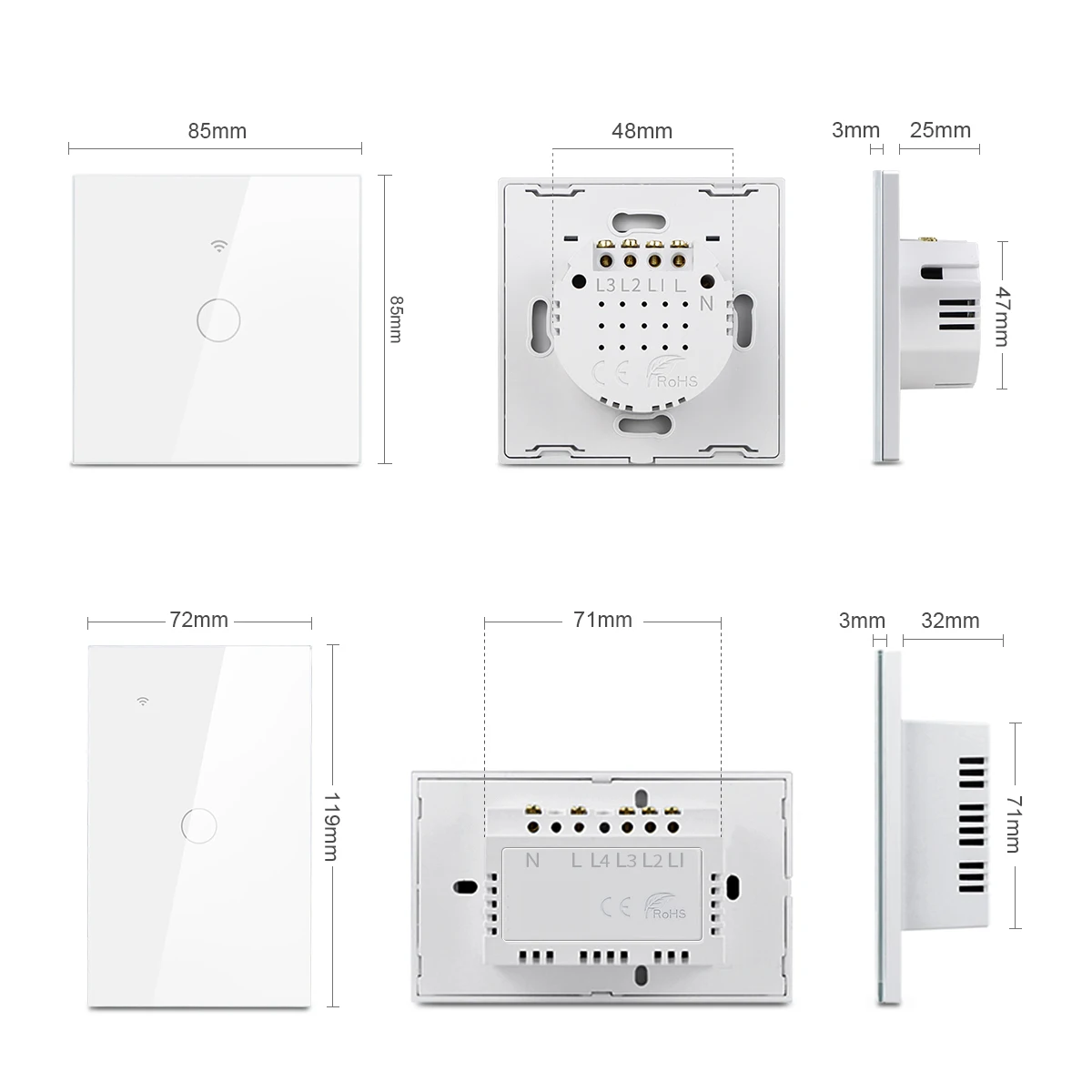
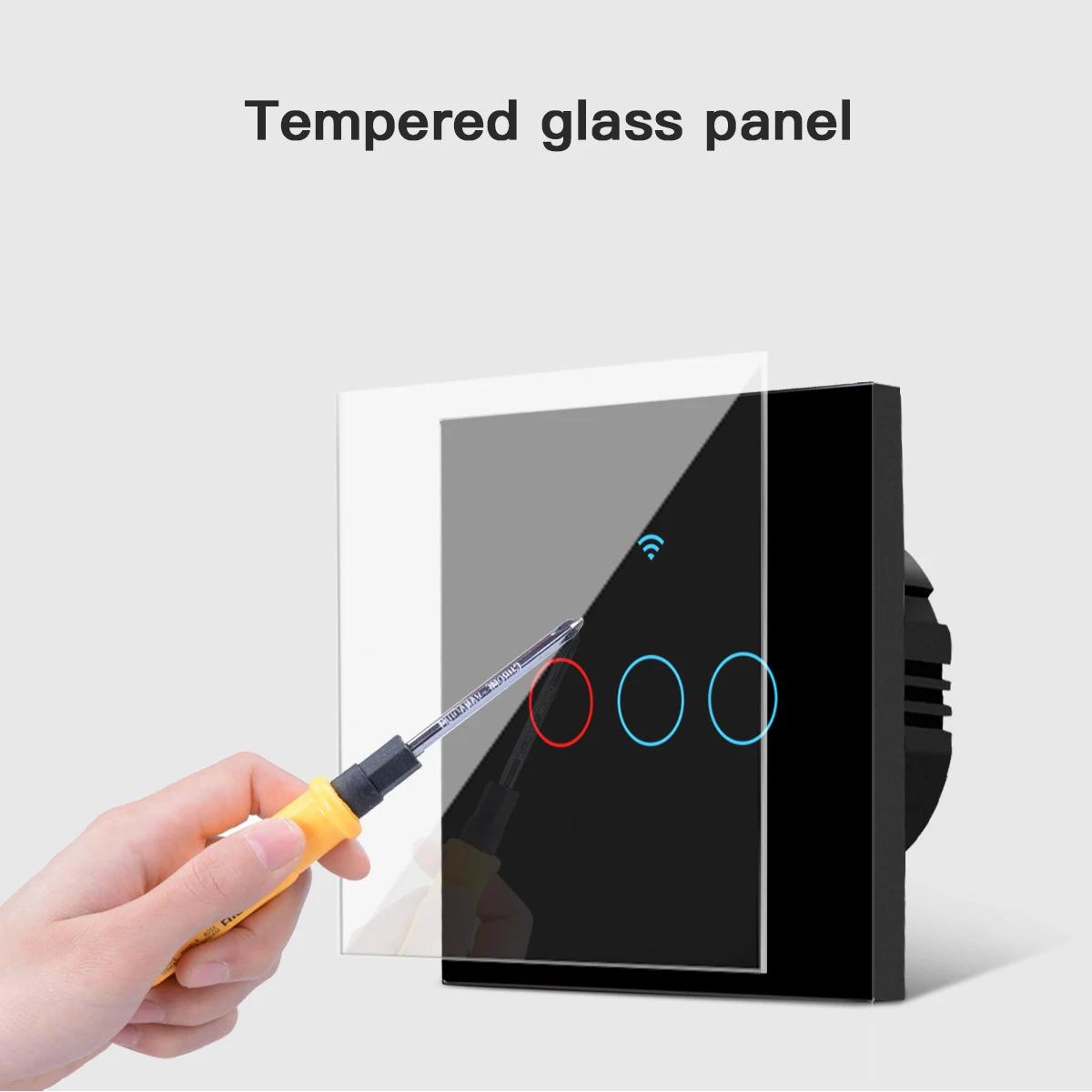
Material: PC V0 fireproof + tempered glass panel
Rated Voltage: AC 100V-240V
Load Power:3-300W/gang(Note:If it is used for LED or energy saving bulb,the power load should be less than 100W)
Wi-Fi: 2.4GHz, IEEE 802.11 b/g/n
Support by : iOS
Wireless Power Consumption: <0.3W
Security mechanism: WPA-PSK/WPA2-PSK
NOTE:
This switch is Neutral Wire required.Before you buy, please confirm whether your house wiring has Neutral Wire.Work with Apple Home and smart app, this two app not have group control setting, so the switch not support multi way control.
App Control:
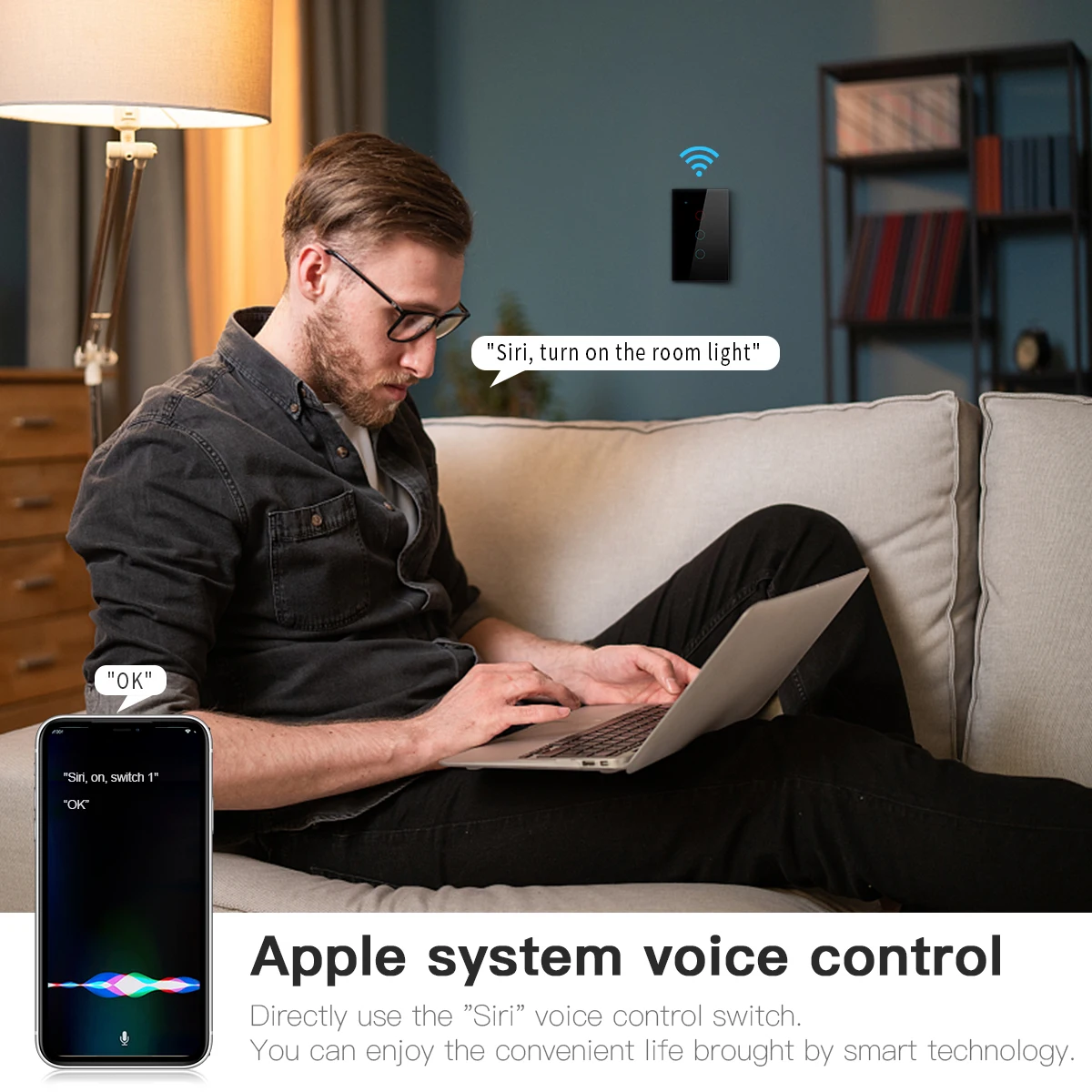
-The device can be controlled through the uhome+, Alexa, Apple Home, Google Home, Smartthings App or other apps that have integrated the Matter SDK.App Control
-After the device is successfully configured to the network, you can use various apps or speakers to complete the control of functions such as switching on/off, brightness adjustment, and color adjustment,
Device Factory Reset:
-For sockets or switches, press and hold the button for 5 - 10 seconds to reset. During the reset process, the indicator light will blink three times. For lighting products, turn the power on and off five times. When resetting, the light will blink three times.
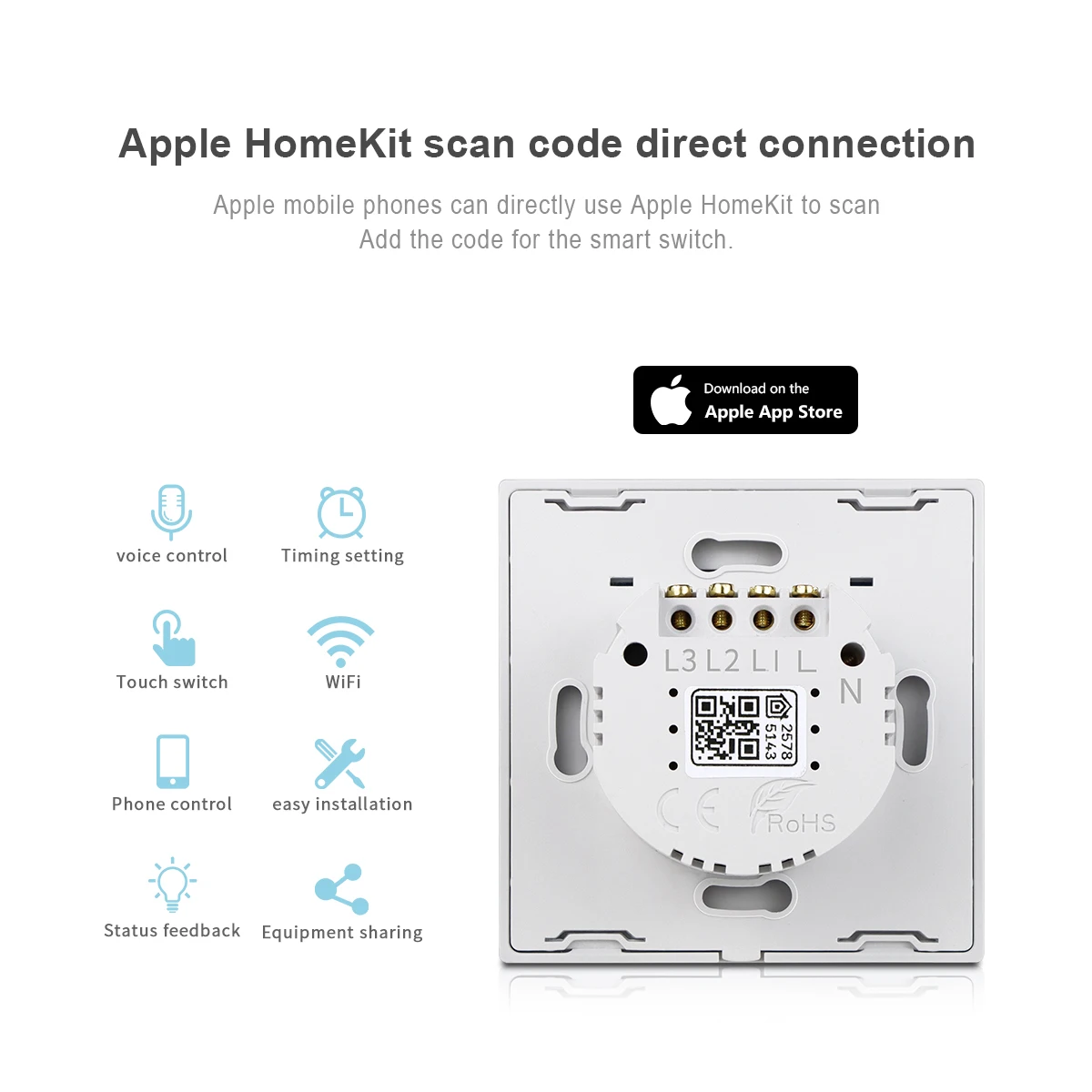
-Each device has a Matter QR code and an 11-digit short code. If you need to bind the device, you can scan the QR code or enter the 11-digit short code through the paired app for pairing and binding.
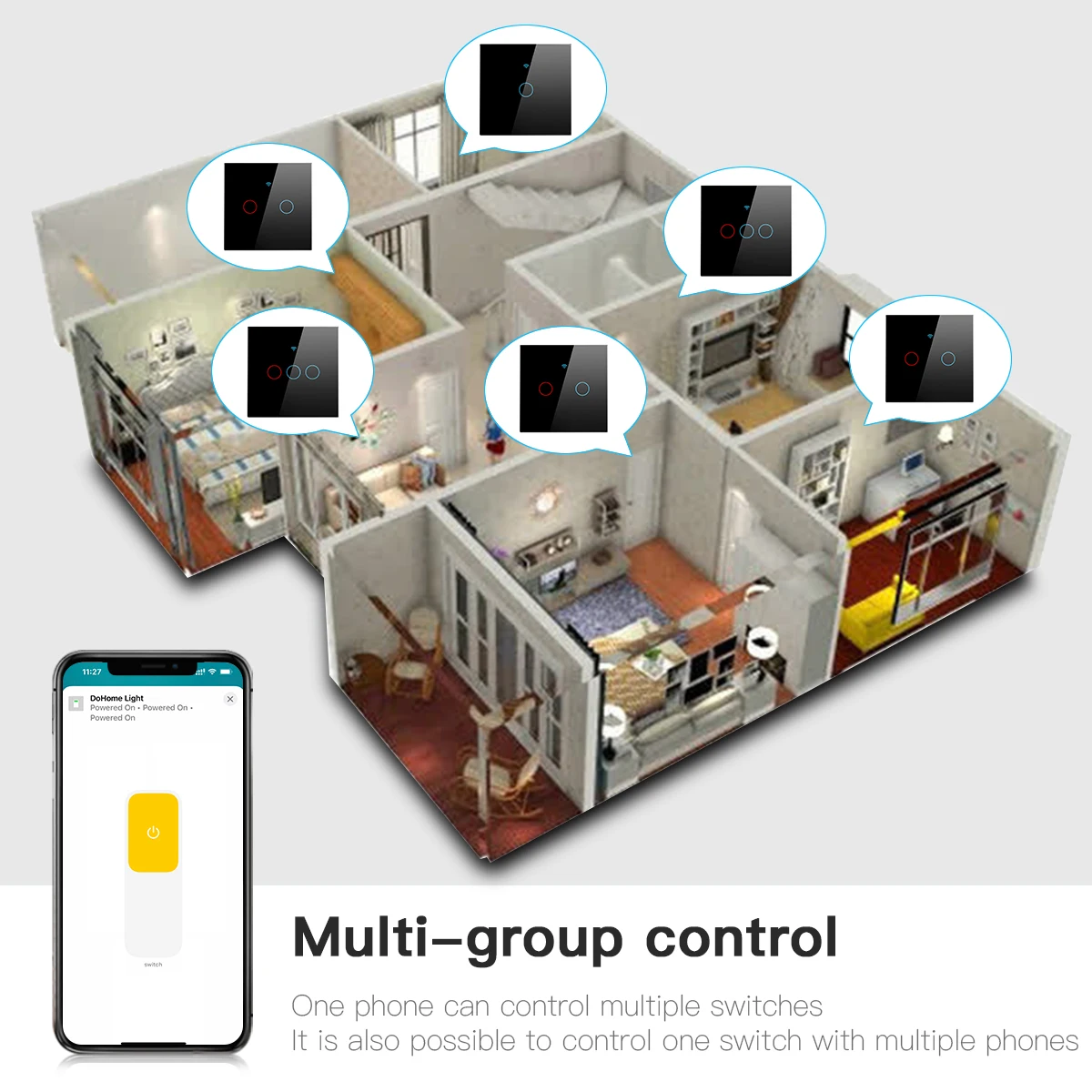
Easy Setup & Group Control:
-It works with Apple HomeKit,Simply use smart WiFi switch and scan the HomeKit code, integrate and set up it, No require to install others APP.
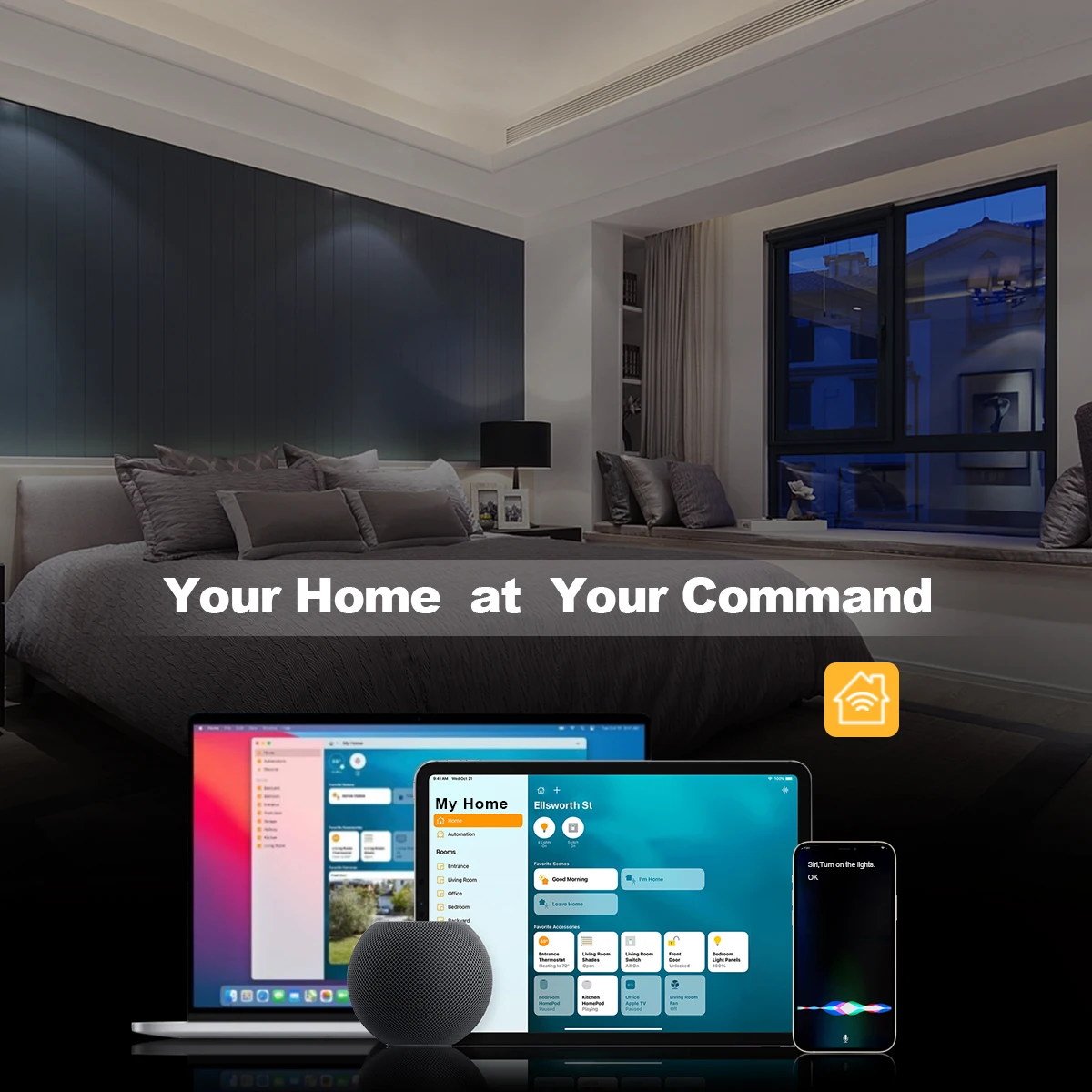
-With Matter, Skip the step of downloading and registering multiple manufacturers' apps every time you buy a new device. Instead, head straight to certified smart home platforms like Apple Home, Alexa, Google Home, SmartThings to control all your Matter devices.
-Designed for a straightforward DIY installation process. Fits into standard wall boxes and connects to your home WiFi network.
High-quality and luxury Design:
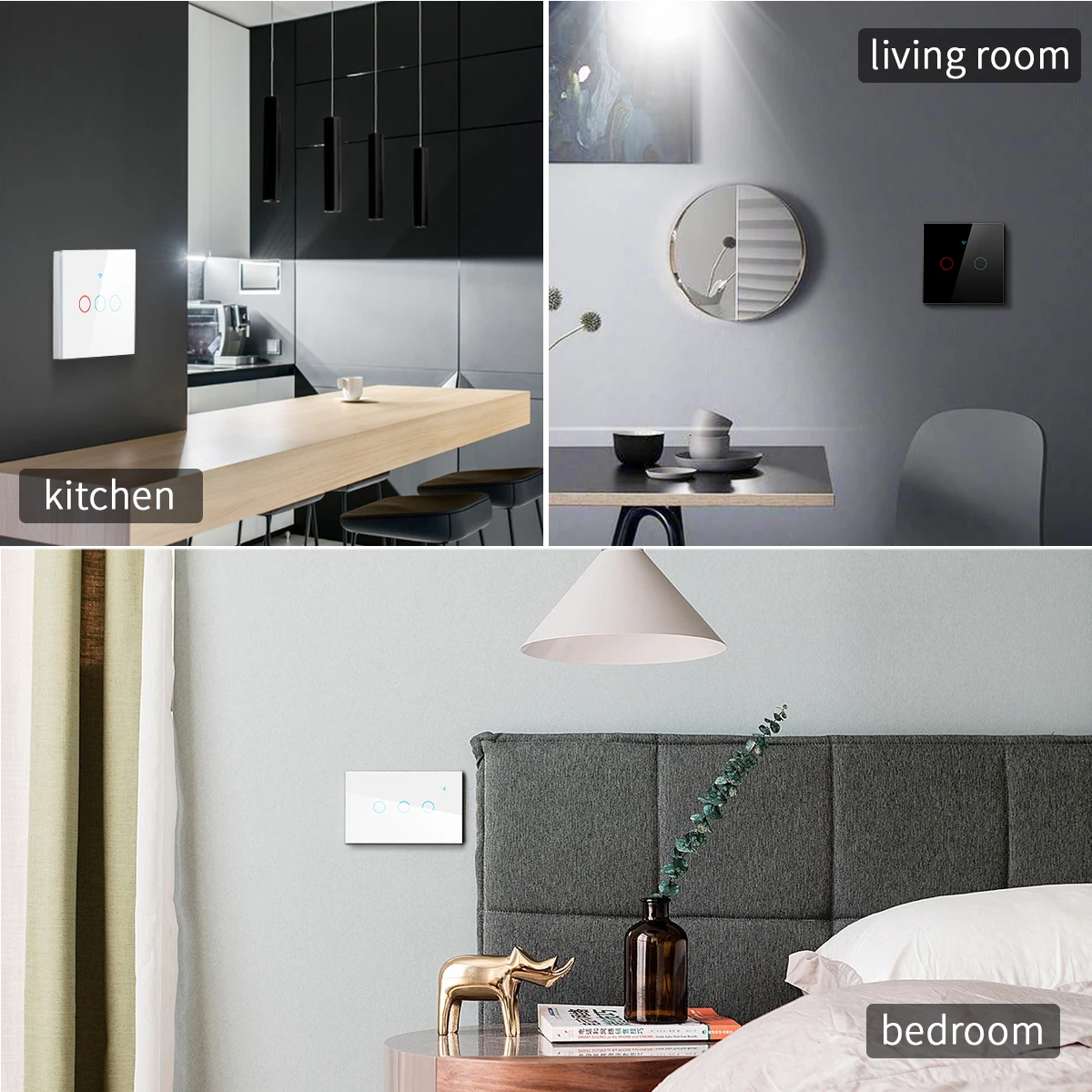
-High-quality and luxury design with Big physical button for push control. You can install it in your bedroom or living room. Its minimalist design complements any interior decor, making it not just a switch, but a statement piece.
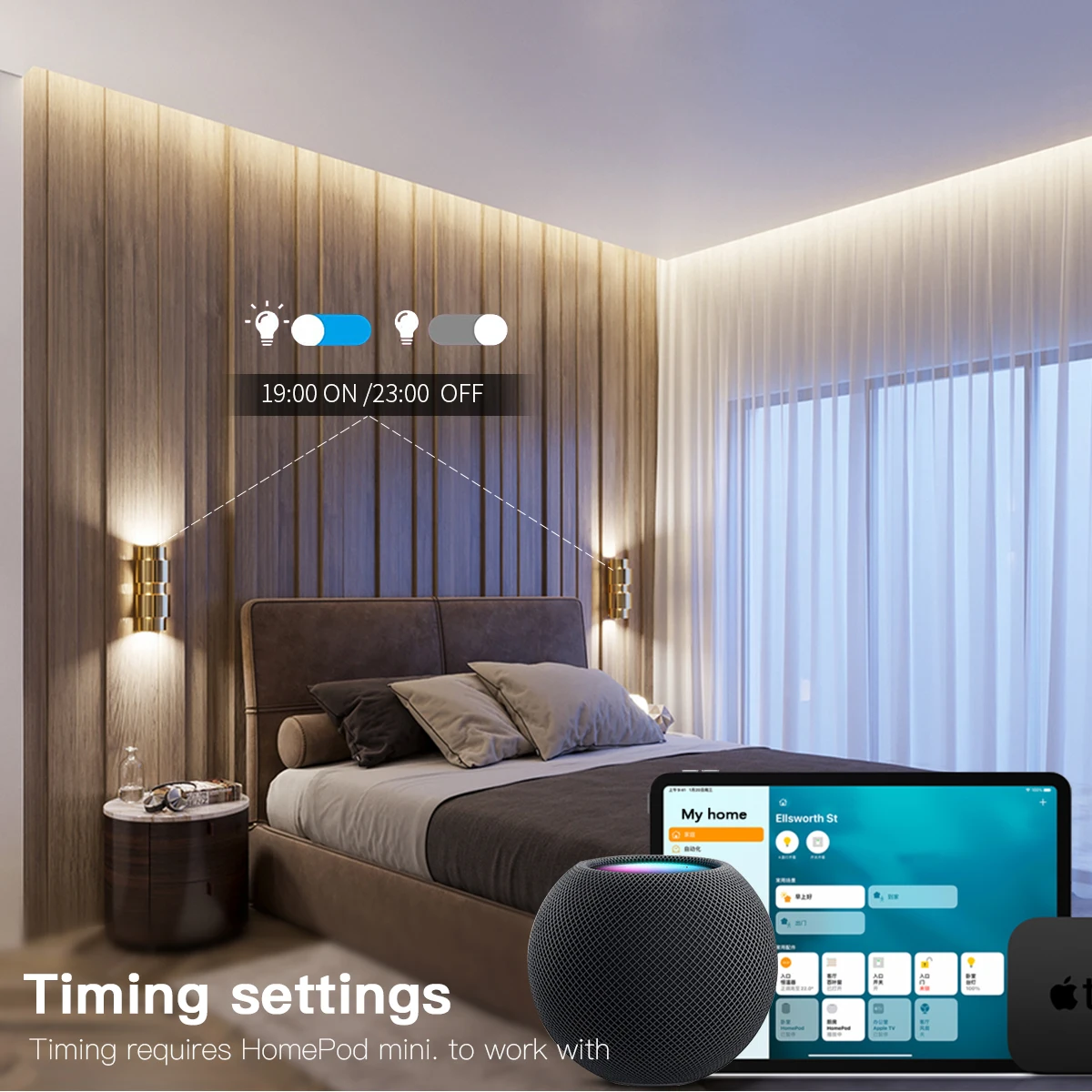
Time Setting
-The intelligent timer switch will automatically turn on after setting a timer for this switch, which is essential for daily scheduling, and bring you a comfortable and intelligent lifestyle.
-Network Configuration via the uHome+ App
Step 1: Download the uHome+ app from the application market.
Step 2: Restore the device to its factory settings to make it enter the network configuration state.
Step 3: Open the uHome+ App, click on the "+" sign in the upper right corner of the home page to enter the network configuration function interface. On the network configuration interface, click on the icon in the upper right corner (already marked in the picture), and then scan the QR code to add the device. Alternatively, there is a button for entering the pairing code on the QR code scanning interface. Click on the button for entering the pairing code to enter the pairing code pairing mode.
-Network Configuration via Apple Home App
1 .Environment Check
-The system version of the iPhone should be greater than or equal to version 16.2.
There should be a Matter control hub, and any of the following devices can be used: Home Pod, Home Pod mini, Apple TV.
Connect to a 2.4G WiFi network. The WiFi password cannot be blank or the WiFi cannot be hidden.
2 .Network Configuration
Step 1: Put the device into the network configuration state.
Step 2: Open the Home App, click on the "+" sign on the home page, and then choose "Add or Scan Accessories". Use the QR code to scan the device or use the pairing code for network configuration (you also need to click on "More Options", click on "My Accessories" to make it displayed here, and then click on "Enter Code" to enter the pairing code network configuration interface), and then follow the prompts to add the device.
-Network Configuration via Alexa App
1.Environment Check
Version of the Alexa App: greater than or equal to 2.2.491118.0.
There should be a Matter control hub, and any of the following devices can be used:
| Device |
Version |
| Echo/Echo Dot |
5th Gen: Echo Dot, Echo Dot (Gen 5 with Clock) |
| Echo Show |
3rd Gen: Echo Show 10, Echo Show 15 |
2 Network Configuration
Step 1: Put the device into the network configuration state.
Step 2: Open the Alexa App, click on the "+" sign on the home page, choose "Add Device", then choose "other", and then choose "Connect your Matter Device". On the prompt interface shown in the last picture below, you can choose whether to pair by scanning the QR code or entering the pairing code, and then scan the code or enter the pairing code as required to complete the addition.
-Network Configuration via Google Home App
1 Environment Check
Install the Google Home app.
There should be a Matter control hub, and any of the following devices can be used: Google Nest Audio, Google Nest Hub, Google Nest Hub (2nd gen), Google Nest Hub Max, Google Nest Mini, Nest WiFi Pro.
2 App Network Configuration
Step 1: Open the home page of the Google Home App, click on the "+" sign, and after jumping to the next page, click on "Set up device" and then choose "New device". Add the device according to the prompts.
Step 2: After the device is successfully added, you can set the room location to which the device belongs and modify the device name.
-Network Configuration via Samsung Smartthings
1 Environment Check
Install the Smartthings app, and the version of the app should be greater than 1.8.01.22.
There should be a control center, which can be either Smartthings Station or Smartthings hub.
2 App Network Configuration
Step 1: Put the device into the network configuration mode.
Step 2: Log in to the Samsung Smartthings App (the App has already been bound to the control center). Click on the "+" sign in the upper right corner of the home page. After jumping to the next page, click on "Scan QR code" or "Enter setup code".

SHIPPING TIMES AND COSTS
- FREE SHIPPING within 1 to 7 business days
We ship worldwide FREE.
When placing order, PLEASE MAKE SURE YOU ENTER YOUR FULL SHIPPING ADDRESS INCLUDING HOUSE/FLAT/BUILDING NUMBER AND CITY. This will help us to fulfill your order quickly.
We can't do NEXT DAY or SAME DAY deliveries as its unrealistic for our supply channels and logistics.
Orders typically ship within 7 business days. Delivery times vary by region but generally range from 7 to 12 business days.
Sometimes deliveries could take up to 15 to 20 business days in case of civilian unrest/ war affecting supply routes.
Once your order is shipped, you’ll receive a tracking number via email to monitor your delivery status.


