


MOES Tuya ZigBee Wireless 9 Scene Switch Push Button Battery Powered Transmitter Smart Life App Automation 1/2/3 Gang
14:173#3 GANG;200007763:201336100
- Free worldwide shipping
- In Stock & Ready to Ship
30 Day Returns
- In stock, ready to ship

SPECIFICATIONS
Brand Name: MOES
Certification: CE,CCC
Dimension: 86*86*13mm
High-concerned chemical: None
Input: CR2032 (battery not included)
Is Smart Device: Yes
Item Type: SWITCHES
Material: Plastic
Origin: Mainland China
Switch Type: Push Button Switch
Tuya ZigBee Wireless 9 Scene Switch Mechanical Push Button Controller Battery Powered Transmitter Switch via Smart Life App Smart Home Automation Scenario for Smart Devices 1/2/3 Gang
By Moes
Main Features:
Note:ZigBee hub required for adding the switch to it for normal use.
3.Compact magnetic design with transmitter switch feature: it is a wireless wall switch when attached to the wall, remote control when unattached. More importantly,it is featured as a transmitter switch paired to a smart switch in app for controlling your house lights with your master smart switch together. It can be conveniently carried to the balcony, bedroom, kitchen, and more due to its compact size.
4.It can be used in numerous scenes with smart devices: speed up smart device responding time, provide more fluid control, remove the dependence on a WiFi network only.
5.Fix it anywhere you like with double-side tape;Low power consumption with long battery life;no wiring needed for simple use,easily establish multiple control to realize fast and easy upgrades.
Note:Intelligent linkage to Tuya smart devices for normal use only,can not be used alone without Tuya smart devices.
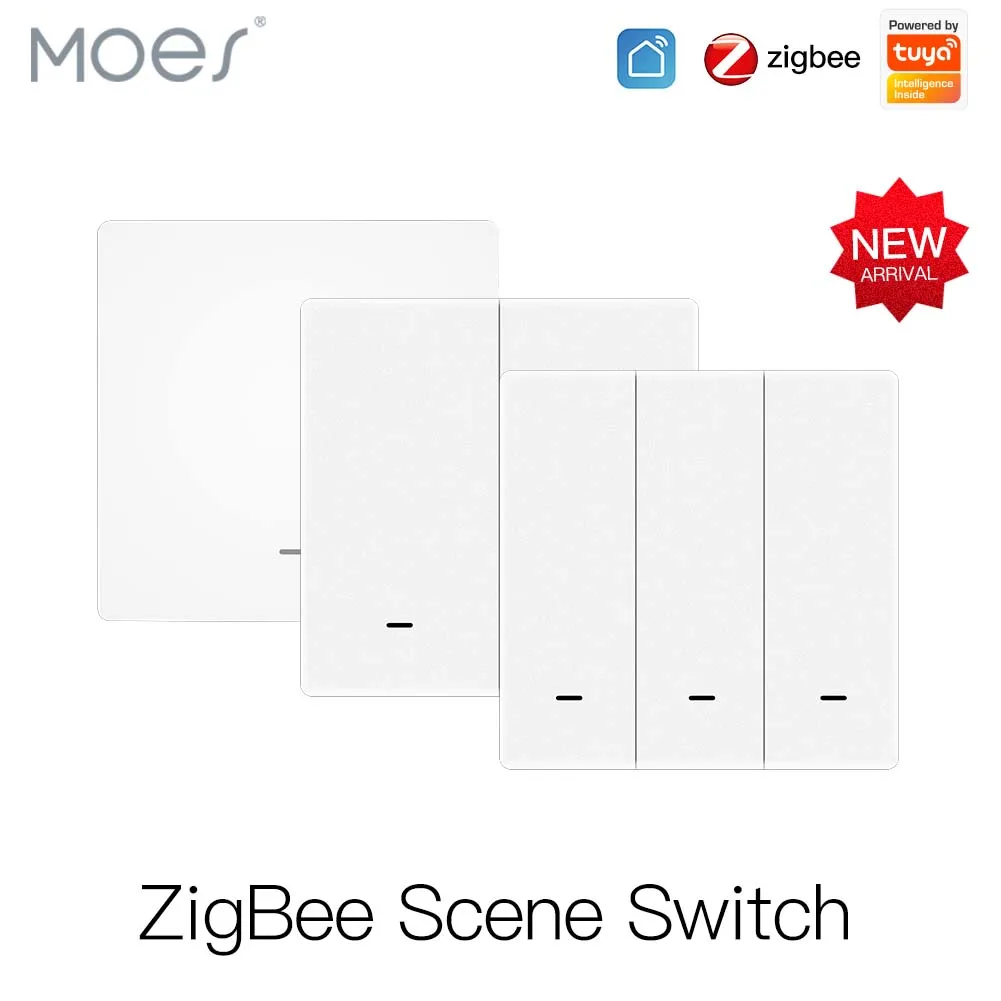
ZigBee Scene Switch
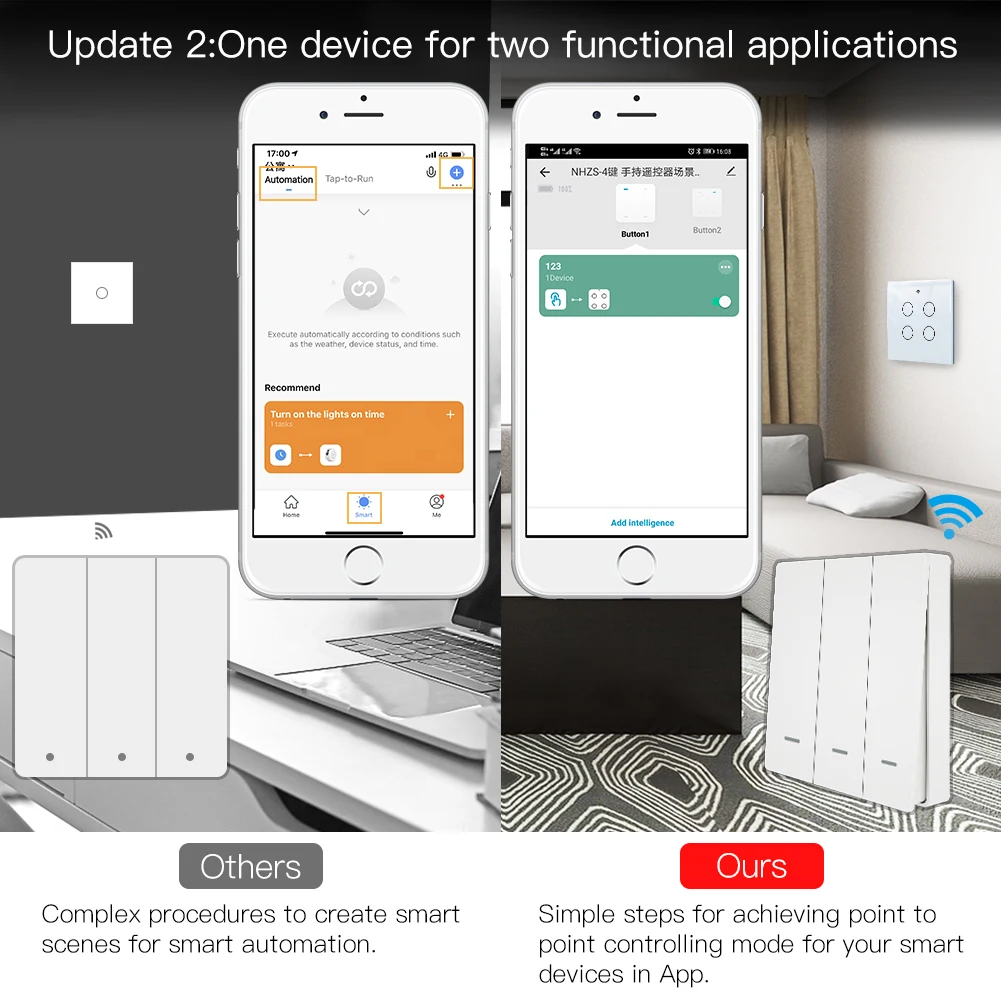
Update 1: Use your ZigBee scene switch as a smart emitter to your smart device in App for another control mode point to point.

Update 2: One device for two functional applications
Ours :Simple steps for achieving point to point controlling mode for your smart devices in App
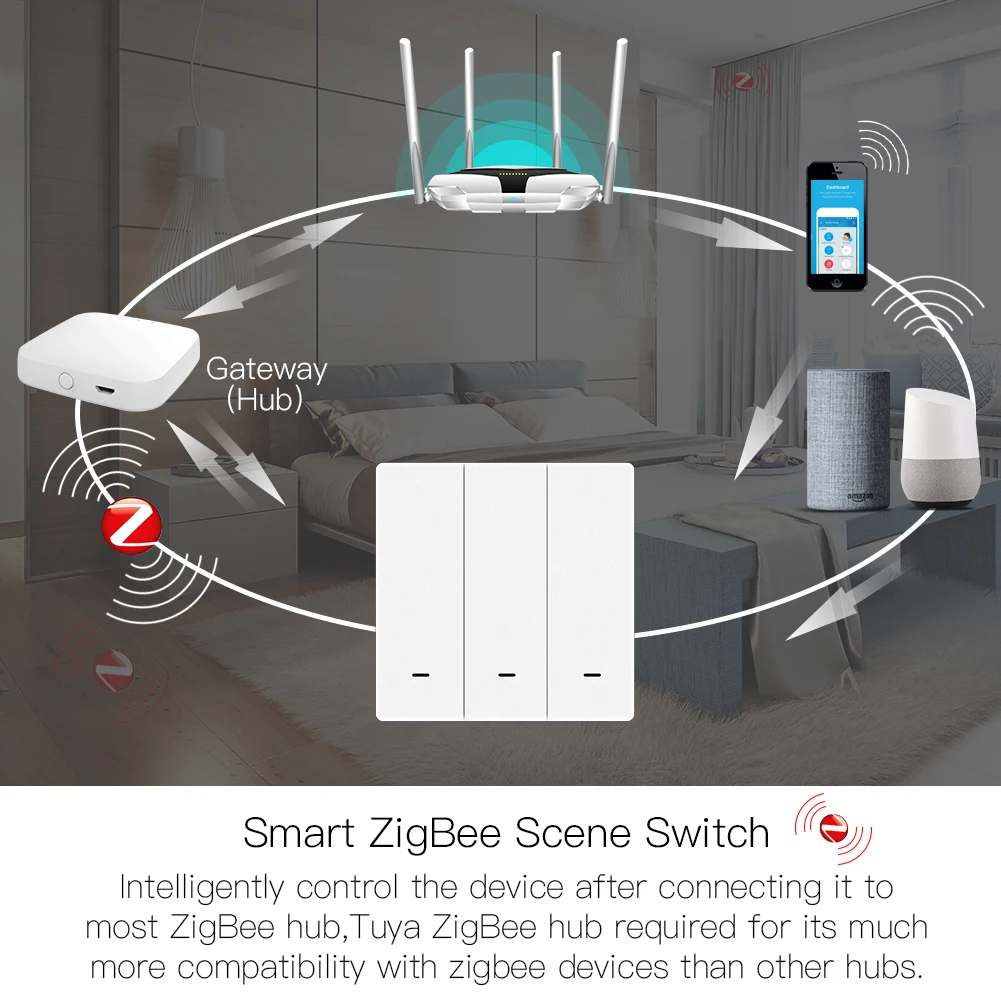
Smart ZigBee Scene Switch
Intelligently control the device after connecting it to most ZigBee hub, uya ZigBee hub required for its much more compatibility With zigbee devices than other hubs
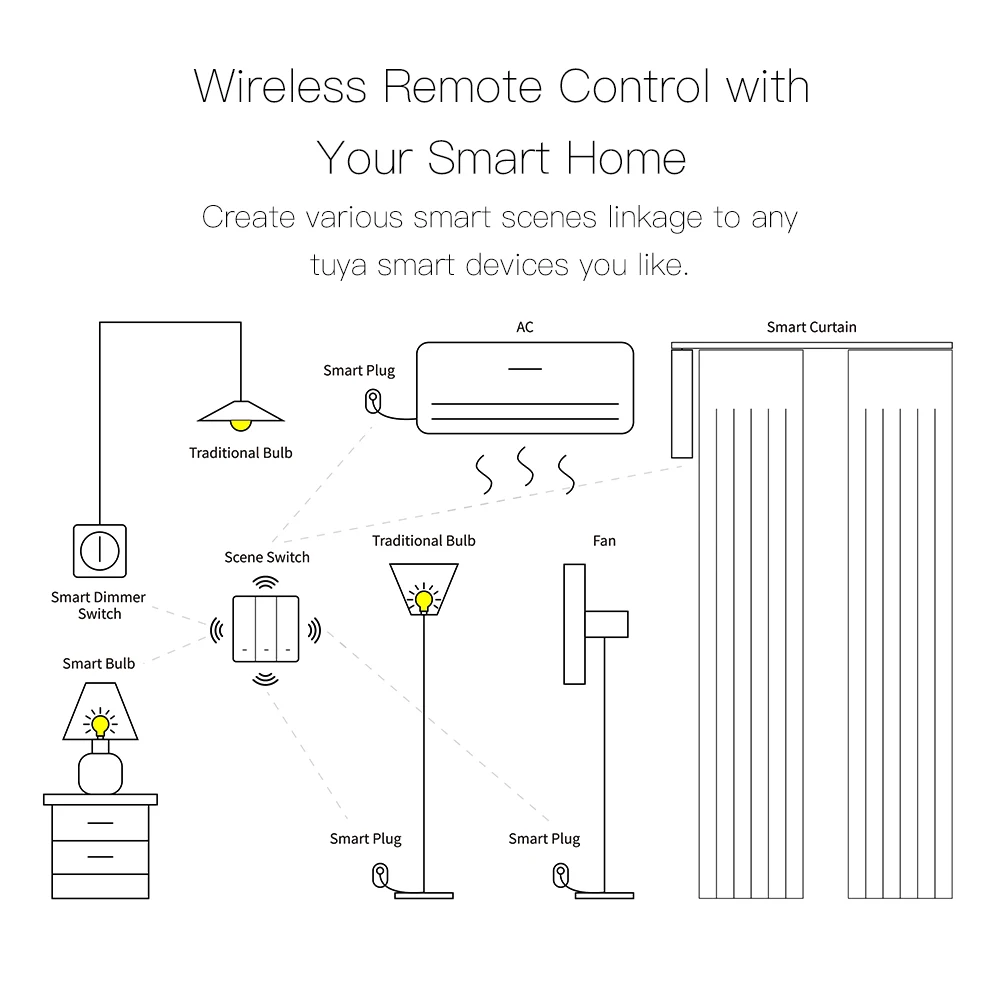
Imagine the smart linkage to create an infinite space With the wireless scene switch on your Smart phones

Wireless Remote Control With Your Smart Home
Create various smart scenes linkage to any tuya smart devices you like
Fix it as Where as You Want
Switch with double-sided tape(Bedroom / Living room / Kitchen / Bathroom)

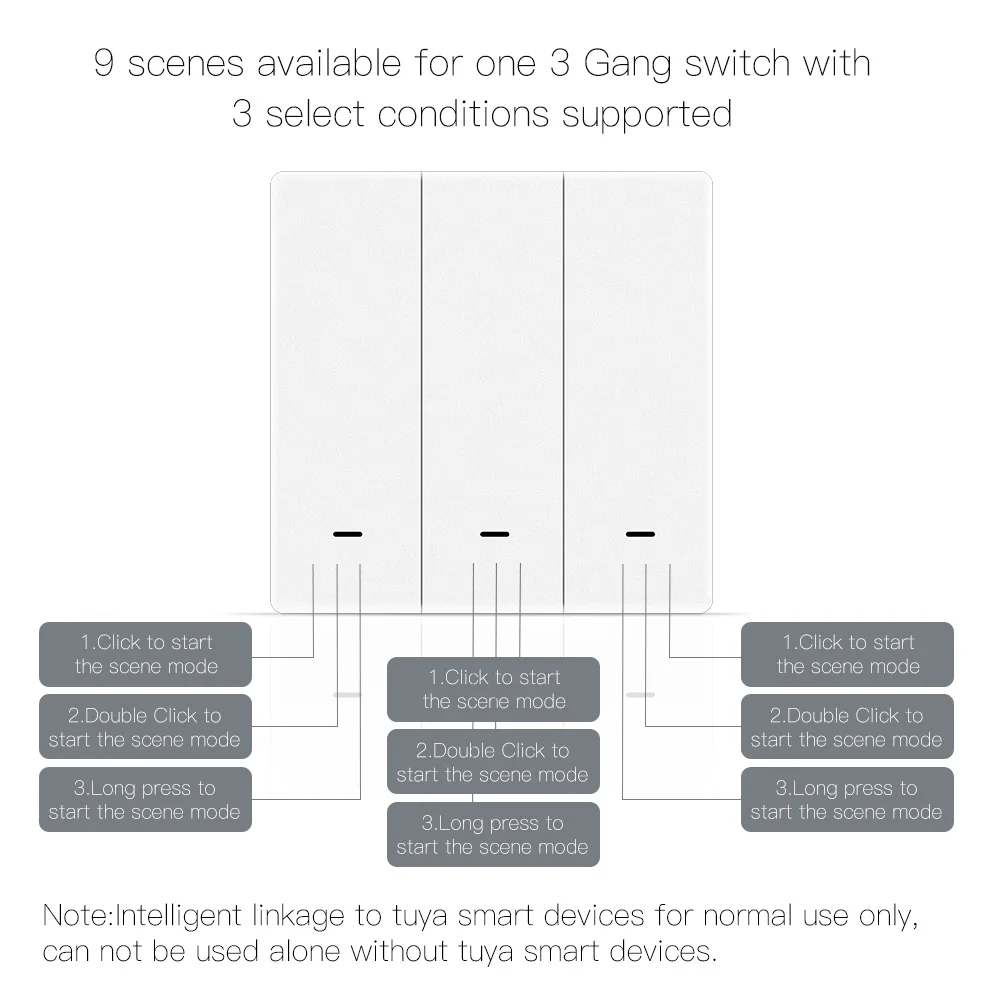
9 scenes available for one Gang switch with
3 select conditions supported
1. Click to start the scene mode
2. Double Click to start the scene mode
3. Long press to start the scene mode
Note: Intelligent linkage to tuya smart devices for normal use only, can not be used alone without tuya smart devices
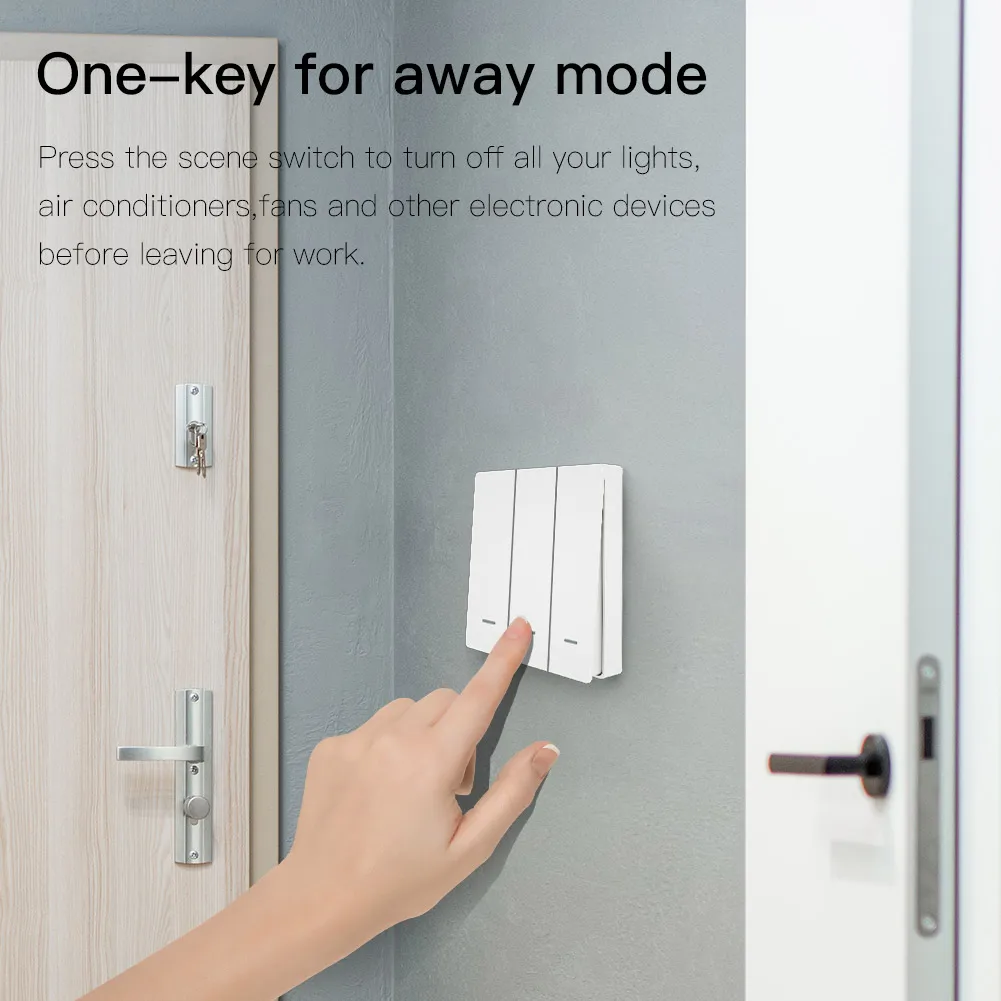
One-key for away mode
Press the scene switch to turn off all your lights, air conditioners, fans and other electronic devices before leaving for work
Wake-up Mode
Move your fnger to the wall scene switch to start your day with a pleasant mood

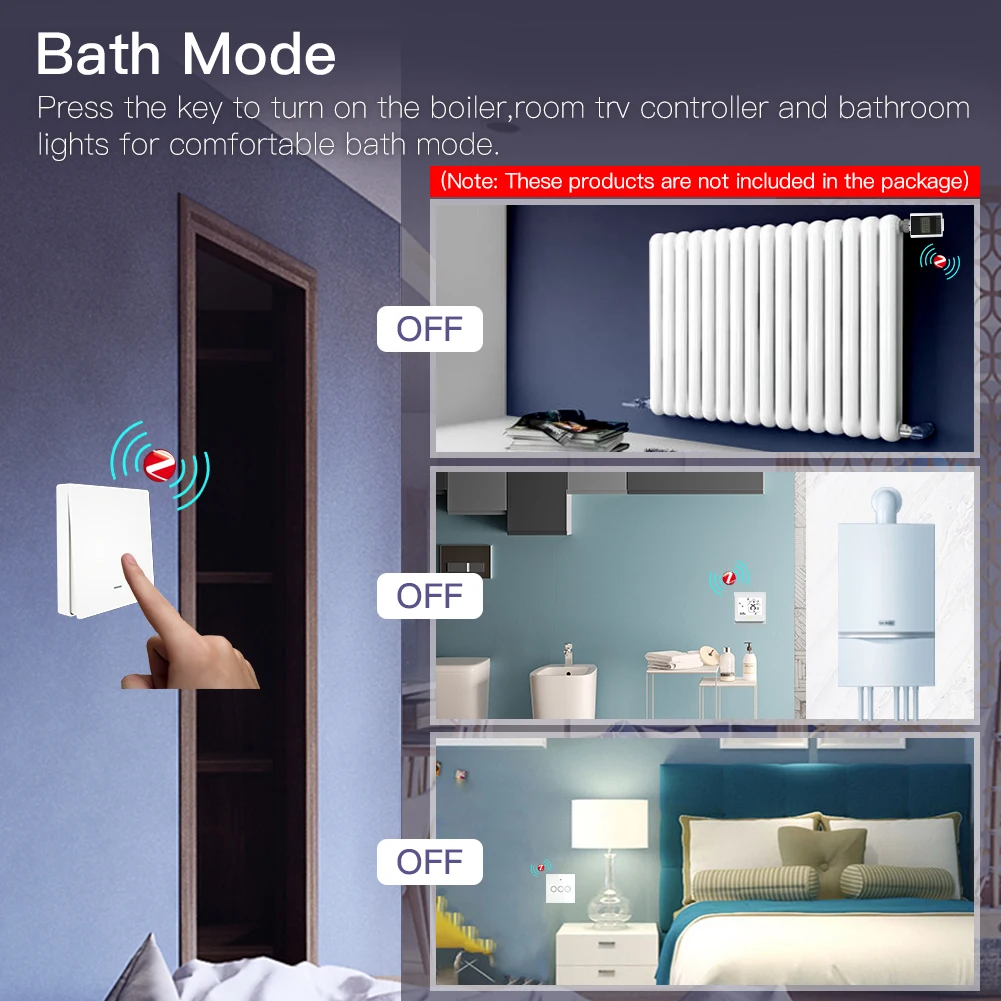
Bath Mode
Press the key to turn on the boiler, room trv controller and bathroom lights for comfortable bath mode
(Note: These products are not included in the package)
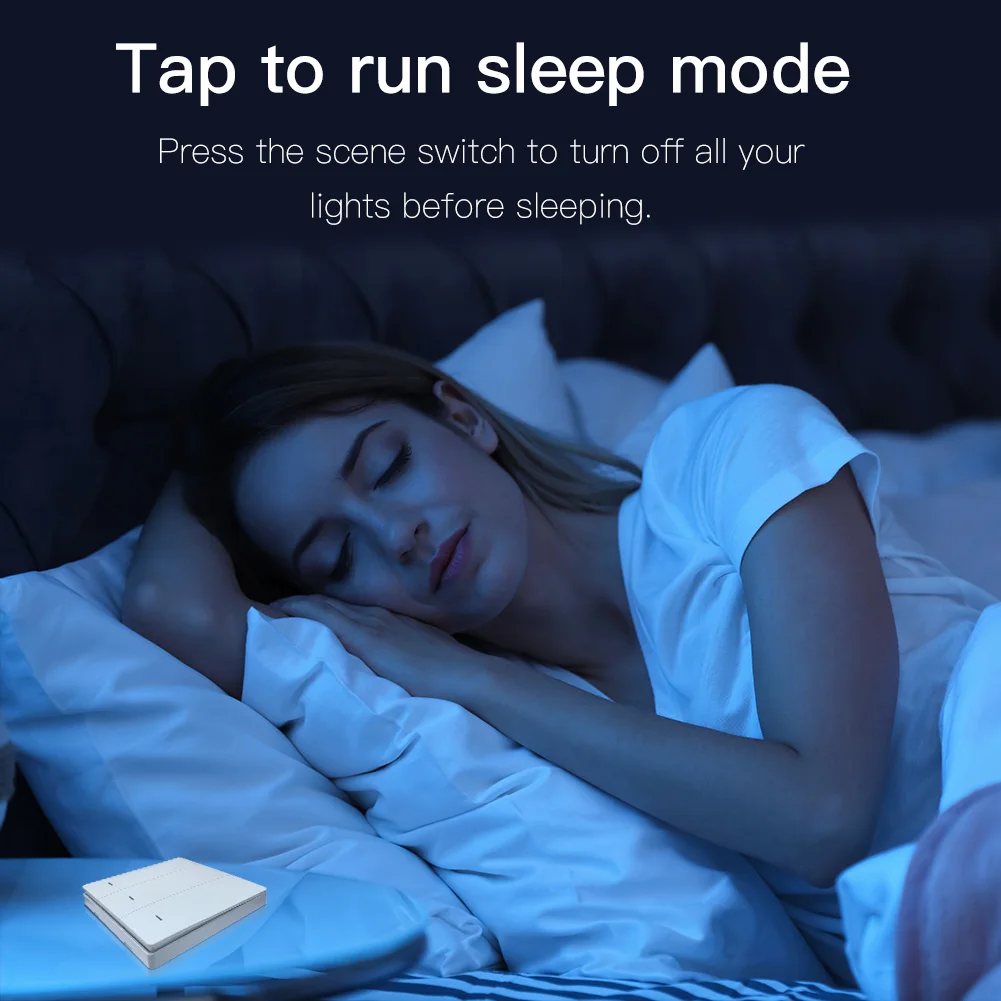
Tap to run sleep mode
Press the scene switch to turn off all your lights before sleeping
How to achieve smart point to point control in App

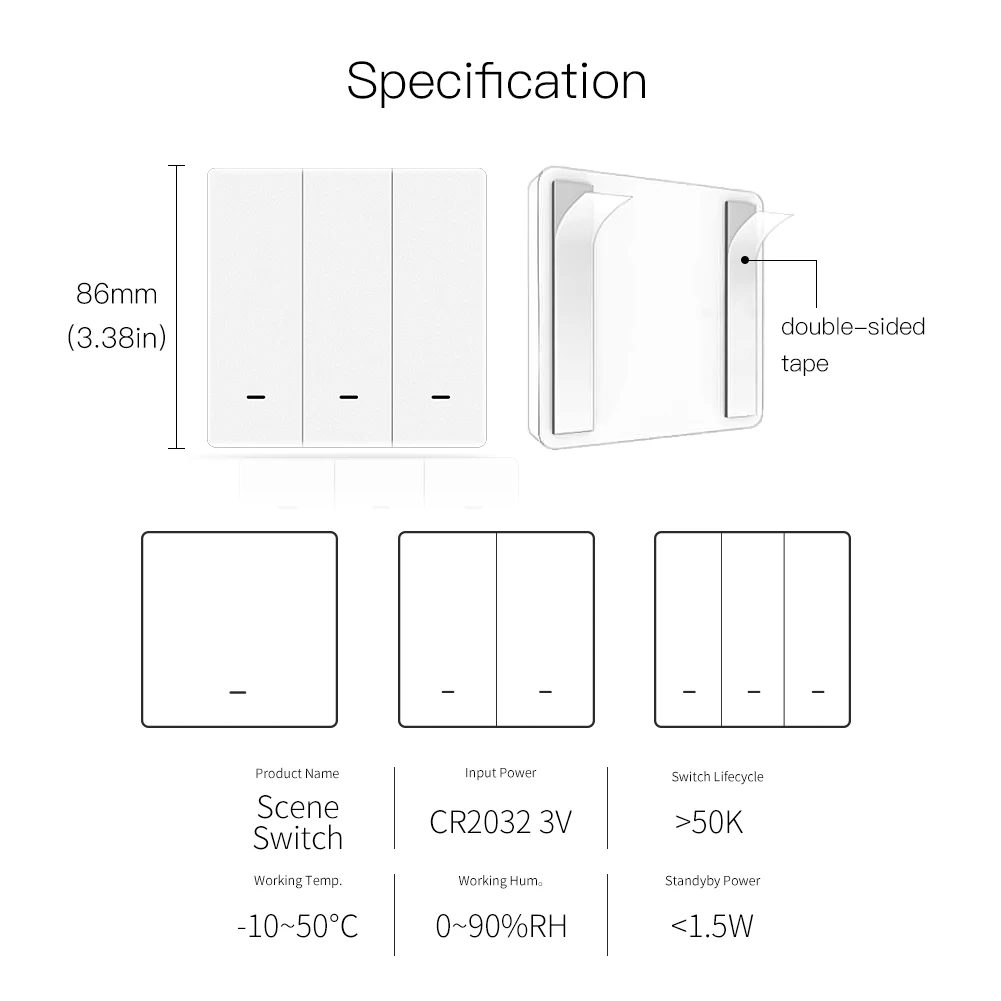
Parameter:
Input:CR2032 (battery not included)
Switch Lifecycle >50K
Working Temp -10~50C
Working Hum 0~90%RH
Standyby Power <1.5W
Dimension:86*86*13mm

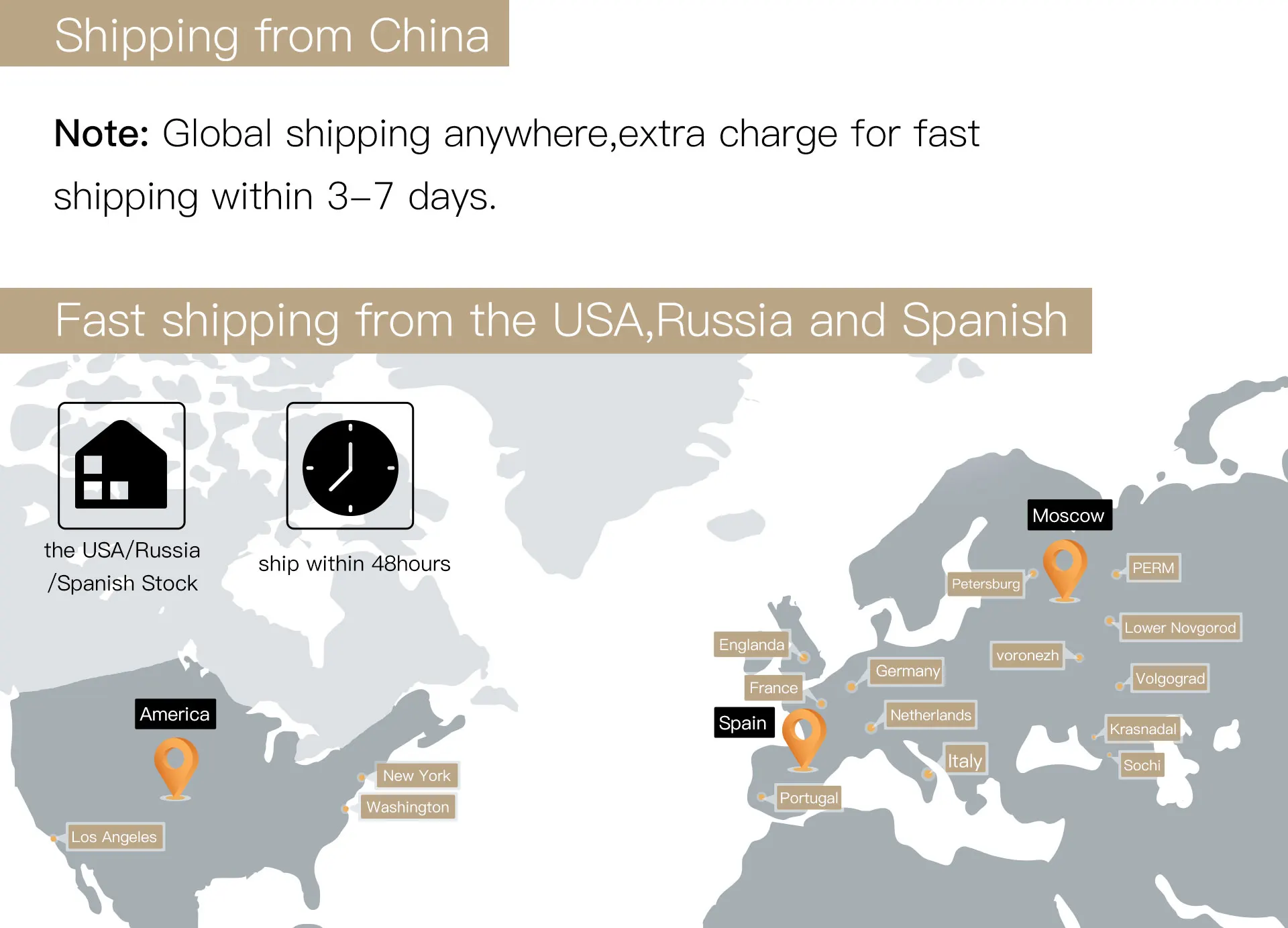
SHIPPING TIMES AND COSTS
- FREE SHIPPING within 1 to 7 business days
We ship worldwide FREE.
When placing order, PLEASE MAKE SURE YOU ENTER YOUR FULL SHIPPING ADDRESS INCLUDING HOUSE/FLAT/BUILDING NUMBER AND CITY. This will help us to fulfill your order quickly.
We can't do NEXT DAY or SAME DAY deliveries as its unrealistic for our supply channels and logistics.
Orders typically ship within 7 business days. Delivery times vary by region but generally range from 7 to 12 business days.
Sometimes deliveries could take up to 15 to 20 business days in case of civilian unrest/ war affecting supply routes.
Once your order is shipped, you’ll receive a tracking number via email to monitor your delivery status.


